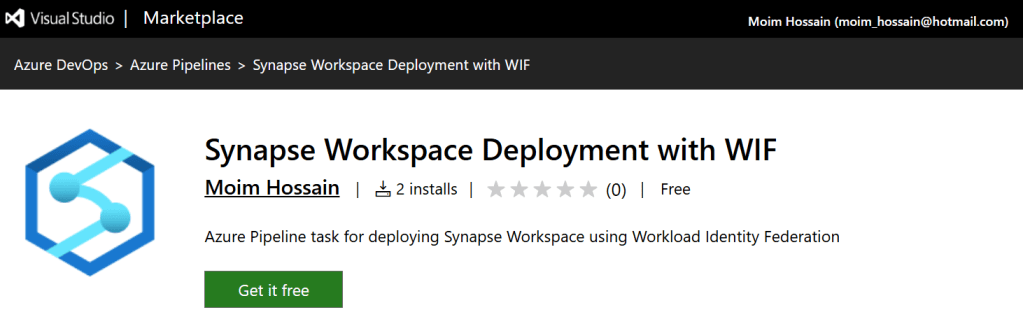
The official Azure Synapse Analytics deployment extension for Azure Pipelines still ships without Workload Identity Federation (WIF) support, and there is no public ETA for when that capability will land. Rather than wait, I pulled down the same codebase Microsoft uses and produced a like-for-like variant that lights up WIF so anyone who is blocked today can keep moving.
Important: This extension is not a replacement of official Azure Synapse workspace deployment task. At this moment, the official task does not support Workload Identity Federation (WIF). This extension aims to fill that gap by providing a task specifically designed for WIF scenarios. You can either install and run this extension alongside the official task or collect the source code and build your own extension for end-to-end control. There is also no official support for this extension from Microsoft.
Highlights from the fork
- Added a token provider that speaks to Azure DevOps OIDC endpoints and exchanges the token for Azure Resource Manager access, mirroring the Azure CLI task’s WIF flow.
- Hardened authentication detection logic so the task recognises federated connections even when Azure DevOps reports them as service principals.
- Updated the Synapse ARM and management clients to request tokens through the new provider and tightened diagnostics to surface the signals Azure DevOps sends.
- Documented the new requirements so you know which agent versions and service connection settings are needed for the WIF path.
Get the bits
All source code is open on GitHub: https://github.com/MoimHossain/Synapse-workspace-deployment-wif. You can clone the repository, rebuild the extension, and sideload it until the official task catches up.
If you’d rather not build it yourself, I’ve published the package here: https://marketplace.visualstudio.com/items?itemName=MoimHossain.mh-synapse-workspace-deployment. Install it alongside the official task and swap it into your pipelines to unblock WIF scenarios.
How to use
The task code is almost identical as the official task, hence, nothing changes in terms of how to use it. You can use the task in YAML pipeline like below:
- task: synapse-workspace-deployment-wif@1
  inputs:
    operation: 'validateDeploy'
    ArtifactsFolder: '$(artifactsFolder)'
    azureSubscription: '$(synapseServiceConnection)'
    ResourceGroupName: '$(resourceGroup)'
    TargetWorkspaceName: '$(targetWorkspaceName)'
    DeleteArtifactsNotInTemplate: false
    DeployManagedPrivateEndpoints: false
    FailOnMissingOverrides: false
    Environment: 'prod'
    npmpackage: 'prod'
You can also use it in classic pipeline – if you are still using classic pipelines in Azure DevOps.

Support policy
This fork is community-driven. There is no official support channel, and everything is provided as-is on a best-effort basis. You’re welcome to open issues in GitHub, but I can’t promise any SLA or fixed ETA for resolutions. If you run into problems, share the details and I’ll help when I can.

 Reverse Engineering